

Sign-up #
You can’t sign up by yourself to the Control Panel. Visualfy creates the users of the people authorized to manage the building, and sends them the username and a temporary password. To ask for a user, read Control Panel User Management.
Logging in #
- Open the Control Panel.
- In “User”, type your email.
- In “Password”, type your password. The eye icon shows or hides it.
- Tap “Login”.
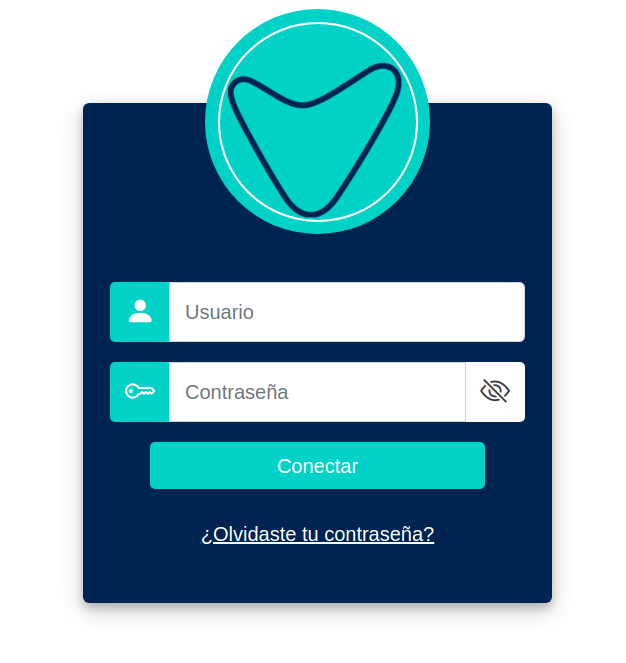
The screenshot shows the panel in Spanish.
If your account has two-step verification, the panel asks for a “Code”. Type it and tap “Login”. If you don’t get it, tap “Resend code”; you can ask for it again every 60 seconds.
Expired password #
For security, your password expires 3 months after you change it if you are an owner, and 6 months after if you are a manager. When it expires, the “Password expired” message appears when you log in:
- Tap “Accept”. From then on you have 15 minutes to change it.
- Type the new password in “New password” and again in “Confirm password”.
- Tap “Change password”.
- Log in again with the new password.
If the 15 minutes run out, log in again with your old password to start over.
If you can’t log in #
- “The specified user does not have access to Visualfy Places or your credentials are wrong.”: check your email and password. If you forgot it, reset it.
- “You do not have the necessary permissions to access.”: your user doesn’t manage any building. Write to clientes@visualfy.com.
- “Our server is currently unreachable, try again later.”: wait a little and try again.


