

The Dashboard is the first screen of the Control Panel. It shows at a glance the building details, the status of the devices and the scheduled alerts.
To go back to it, open the menu on the left and tap “Dashboard”.
The screenshots show the Control Panel in Spanish. You can switch it to English in the user menu.
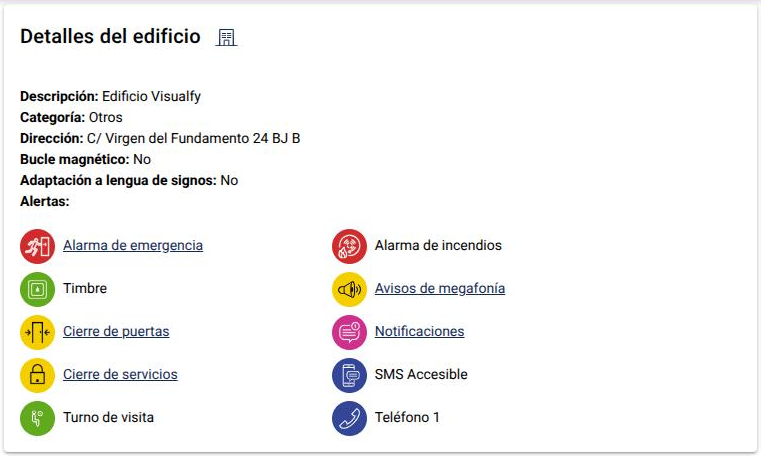
Building details #
Shows the description, category and address of the building, whether it has a magnetic loop or sign language adaptation, and its alerts. The alerts you set up in the panel are links to their screen.
Devices #
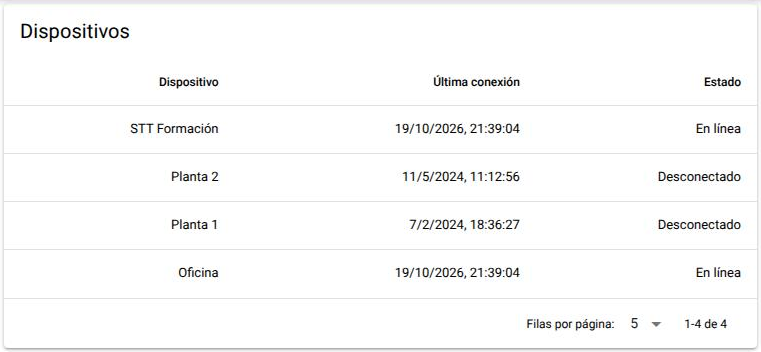
Lists the devices installed by Visualfy, with their floor or area, the last connection and the status:
- Online: it works.
- Issues: it is connected, but there is a fault.
- Disconnected: it hasn’t connected since the “Last connection” date.
- Unknown: there is no data about its status.
Scheduled alerts #
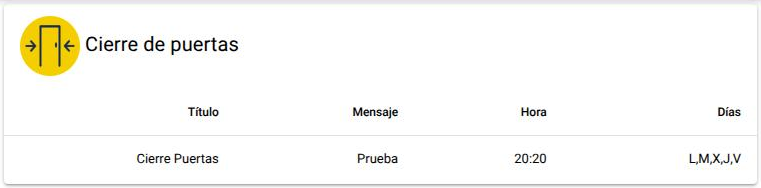
Three tables show the Closing Doors, Closing Services and Notifications alerts, with their title, message, time and days. Each table shows two alerts at most; to see them all, open their screen from the menu.
Last sessions #
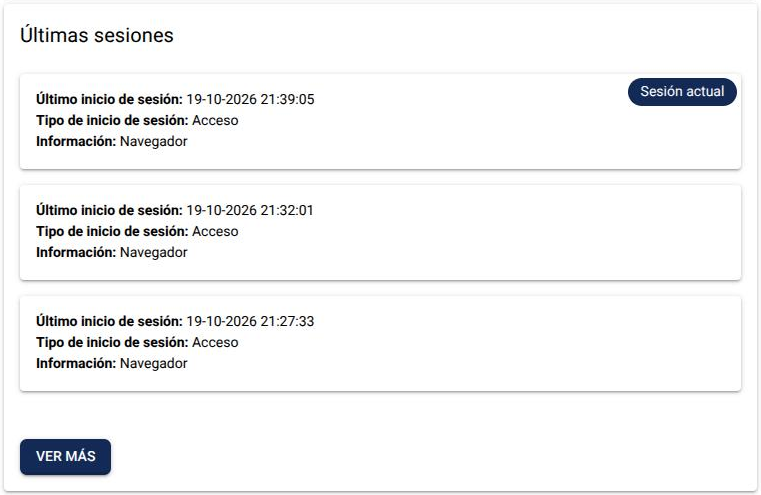
Shows when and from where your user logged in. The session you are using has the “Current session” label. Tap “See more” to see them all.
Sensors #
If the building has lamps that send sensor data, the sensors table appears at the bottom. With “Sensor Type” you choose which data to see: battery, environmental (temperature, humidity, pressure, altitude and air quality), light and color, acceleration, gyroscope, compass or GPS.
To stop getting the data of a sensor or change how often it is updated, write to clientes@visualfy.com.


