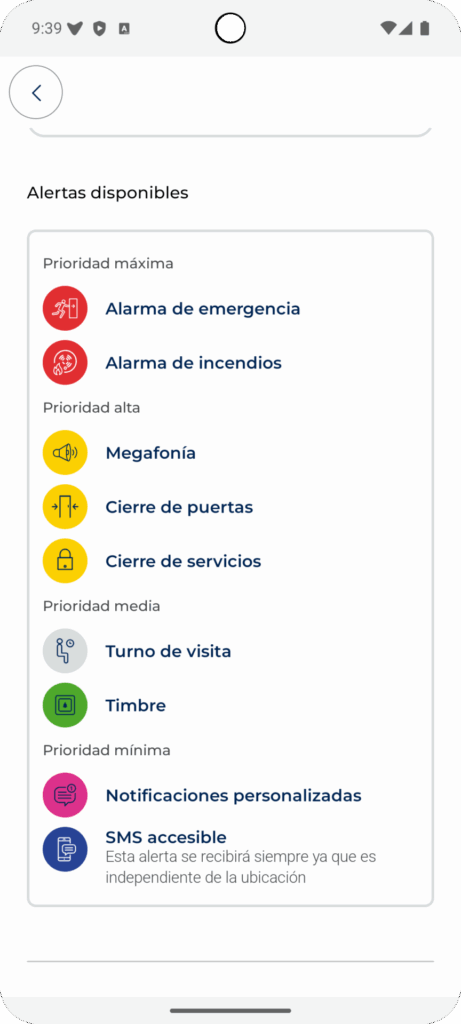
Visualfy Places is a solution by the Spanish company Visualfy that improves accessibility for deaf and hard of hearing people in different types of places, such as hotels, hospitals or customer service centers.
Visualfy Places recognizes the sounds inside buildings and turns them into visual alerts, shown on your phone screen and on the lamps of the building. This way, deaf and hard of hearing people know what is happening around them.
What are Visualfy Places accessible buildings? #
Visualfy accessible buildings are buildings adapted so that they are accessible to deaf and hard of hearing people.
To do this, they have technology that makes communication with the environment easier. For example, visual alert systems for alarms or important building messages, or hearing loops to improve sound quality.
Also, with the Visualfy app, the people in the building get on their phone the visual or sensory alerts of what happens in the building.
Subscribing to a Visualfy Places adapted building #
From the buildings map #
Tap the “+ Add” button in the building information.
Scanning the QR code #
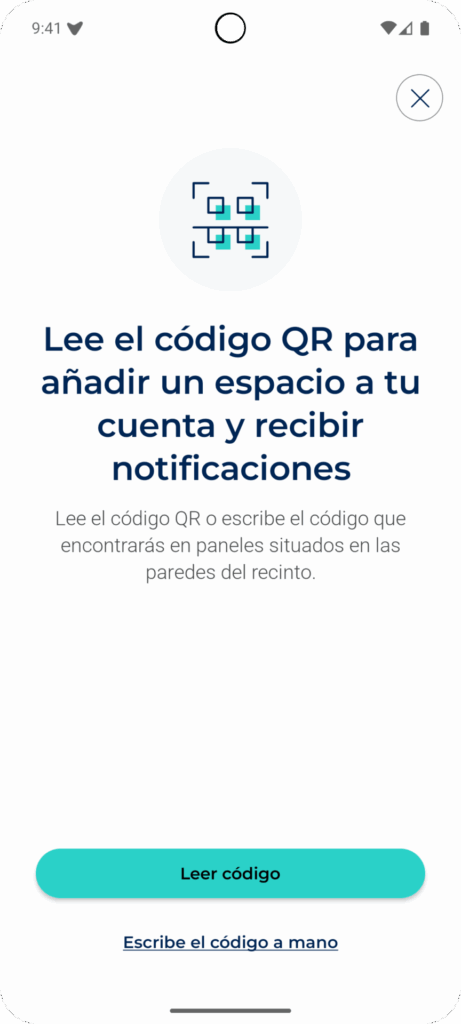
To subscribe to a Visualfy building with a QR code, follow these steps:
- Open the app and tap the Places icon in the bottom bar.
- Tap the add button (the turquoise circle with a “+”).
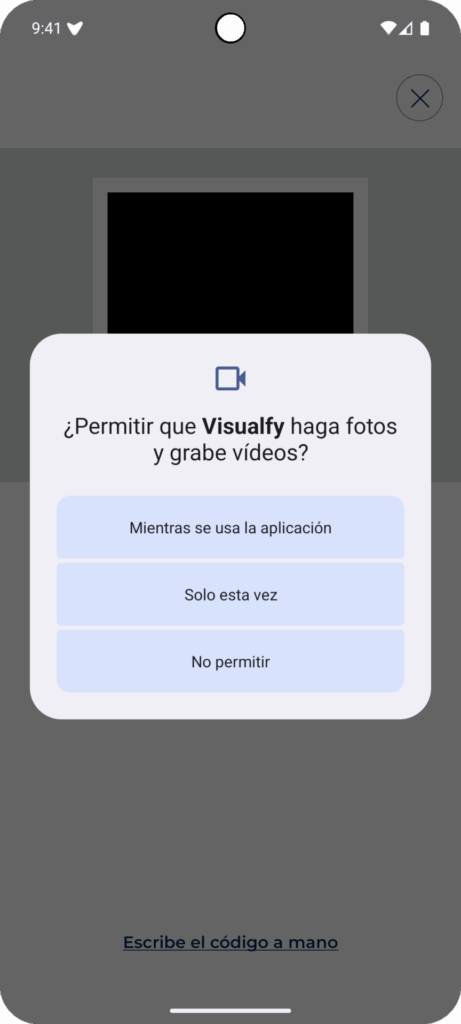
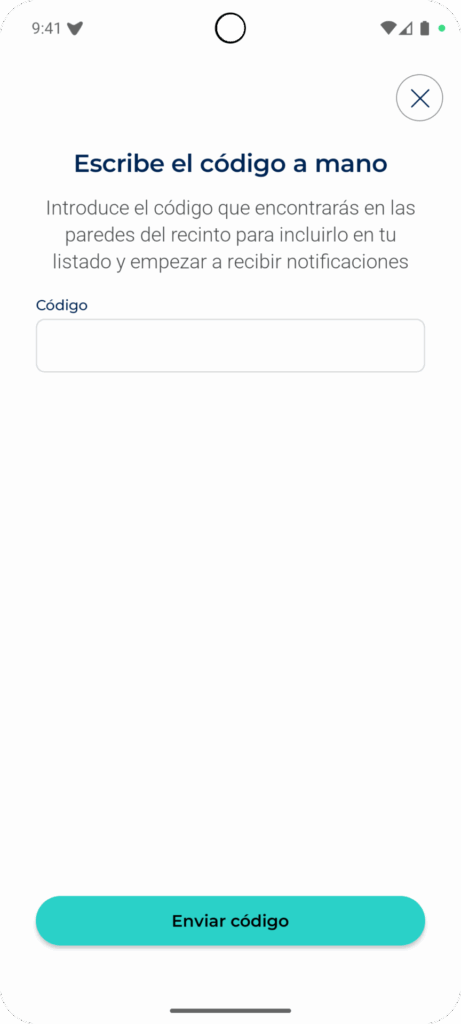
- Tap “Read code”. The phone camera turns on.
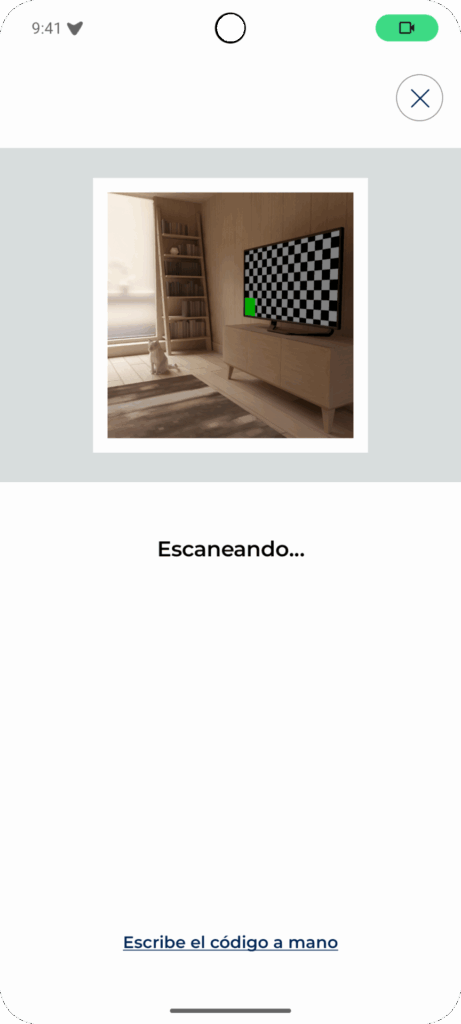
- Point the camera at the building QR code until the app reads it. First, you need to allow camera access.
- The app confirms that the building has been added. From now on you get its alerts.
By location #
If you allow location access and turn on GPS and high accuracy, Visualfy lets you know when you enter an accessible building so you can subscribe:
- The app uses your phone location to look for Visualfy accessible buildings.
- When it finds one, you get a notification. Tap it.
- A screen with the building information opens. Tap “Yes, I want it” and you are subscribed.
Seeing the buildings I get alerts from #
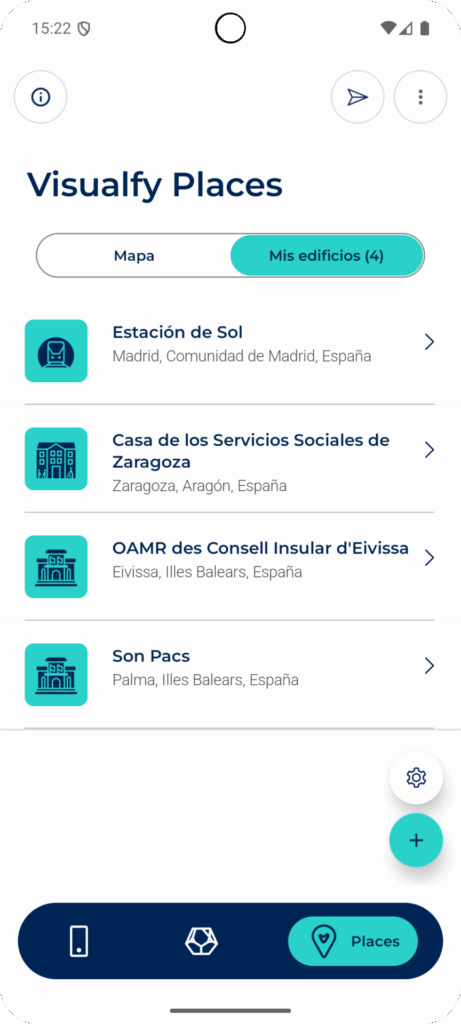
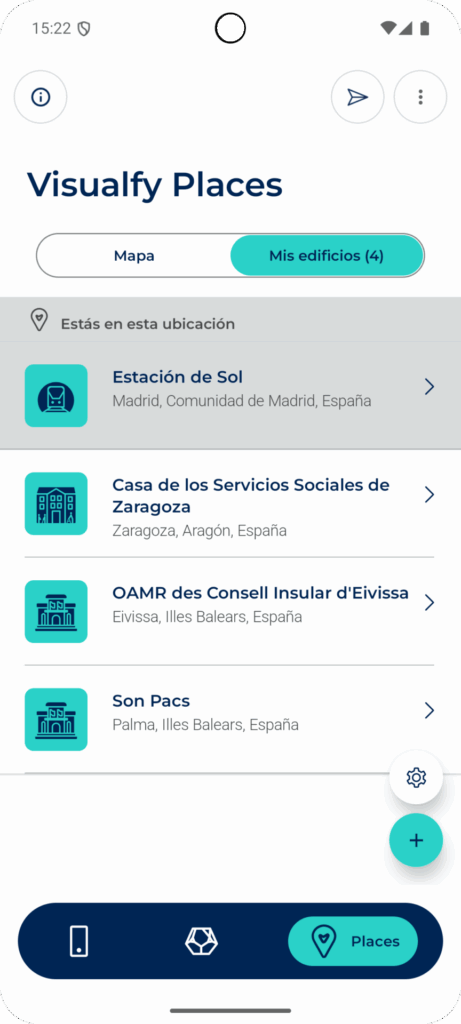
On the Visualfy Places screen, in the “My buildings” tab, you see a card for each building you are subscribed to, with its name and location (town, region and country).
If you are inside one or more adapted buildings, they are highlighted at the top under “You are in this location”.
Refreshing the list of buildings #
Swipe the screen down. A circle appears while the information loads, and it disappears when the list is up to date.
Seeing the alerts of a building #
- On the Visualfy Places screen, open the “My buildings” tab.
- Tap the building card. Its page opens.
- When the information loads, you see the building alerts and the actions you can take there.