

If you forgot your login password, don’t worry. Recovering it is quick and easy. In this step-by-step guide we show you how to recover your password. Read on for useful information to get back into your account in no time.
Steps in the app #
- Open the Visualfy app.
- Tap the “Sign in with your account” button.
- Tap “Forgot your password?”.
- Type your address so we can send you a password recovery email.
Password recovery email #
- Open the email we sent you and click the link.

- Click the “Change password” button.
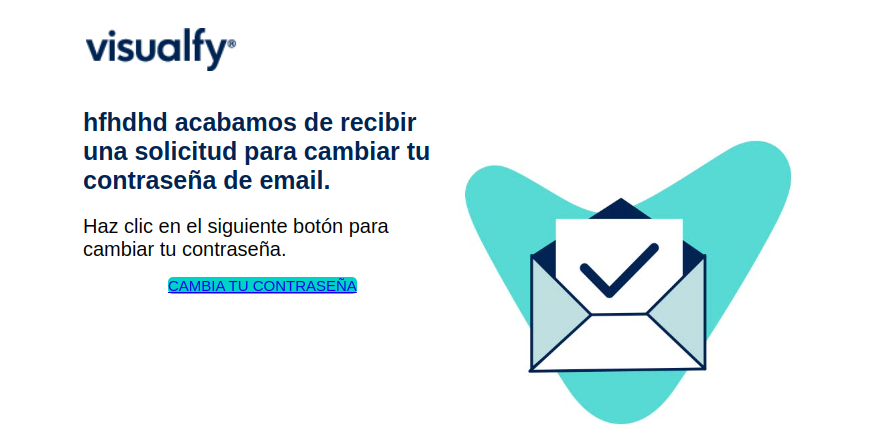
- You are taken to a page where you can change your password.
- Type the new password twice and tap “Continue”.
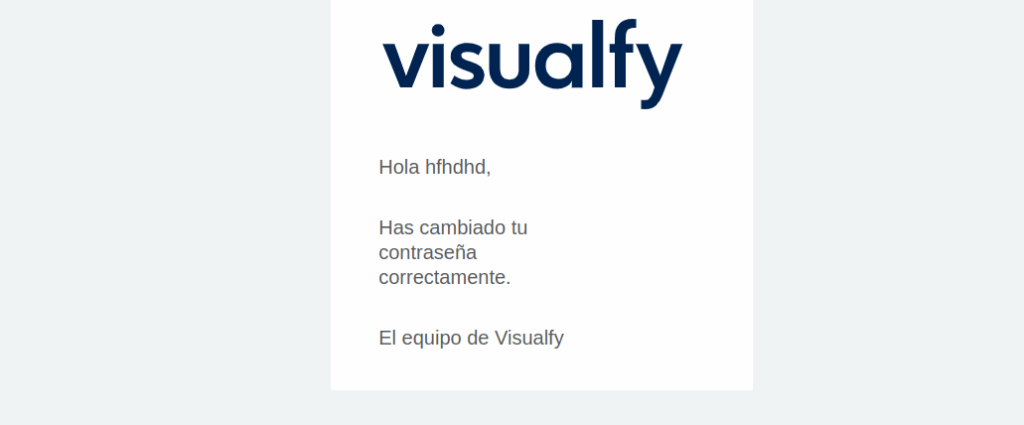
- When the password has been reset correctly, you receive an email.

- Open the Visualfy app.
- Sign in to your account with your email and the new password.
Remember that if you signed in with Google or with your Apple ID, you don’t need to recover your password, because your Visualfy account is linked to your Google or Apple account.
Common problems #
I don’t receive the email #
Sometimes the email can take a few minutes to arrive, or it may have been marked as spam or junk by mistake. So make sure you check your spam or junk folder. If you still haven’t received the email after a few minutes, try requesting a new password recovery email.
I don’t remember which email I used to register with Visualfy #
If you don’t remember the email address you used to register with Visualfy, try searching your old emails for any email from Visualfy. You can also try signing in with other email addresses you may have used in the past. If you still can’t remember your email address after trying everything, contact the Visualfy support team for help.


