

First, download the Visualfy app to your phone. Once the app is downloaded and installed, open it. You will see a screen asking you to register. Visualfy offers two ways to register:
- Register with a social network
- Your Google Gmail account.
- Your Apple ID (only with the iOS app).
- Register with email and password
Select the option you prefer.
With a social network #
If you choose “Register with a social network”, you will see a list of available social networks to connect with. Select the social network you want to register with and sign in with your credentials for that network. Visualfy will use the information from your social network profile to complete your registration.


With your email and password #
If you choose “Register with email and password”, you must enter a valid email address and create a secure password. Check that the password meets the app’s security requirements. Then you must accept the Visualfy terms and conditions of use.
Finally, after you complete the registration, Visualfy sends an email to the address you gave to verify your account.
Getting started #
If you don’t want to use a social network to create your account, you can use your email by following these steps:
– Tap “Don’t have an account? Register”.
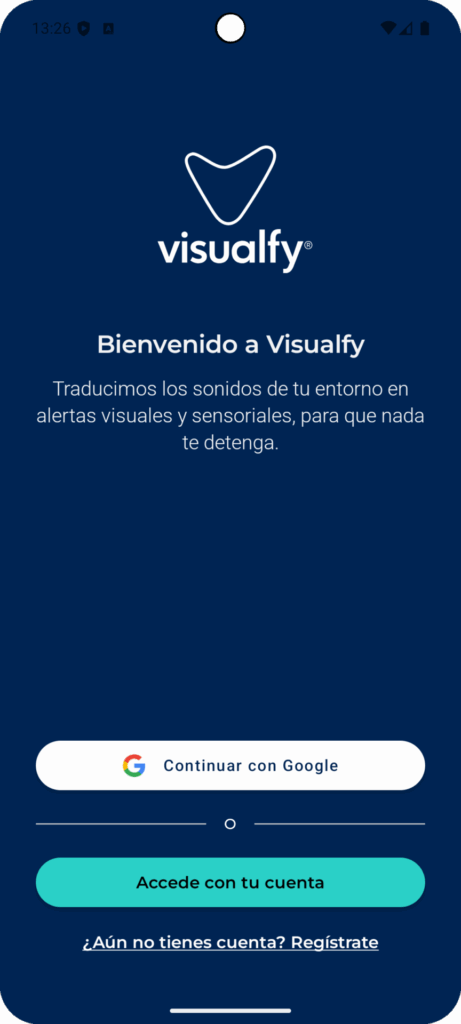
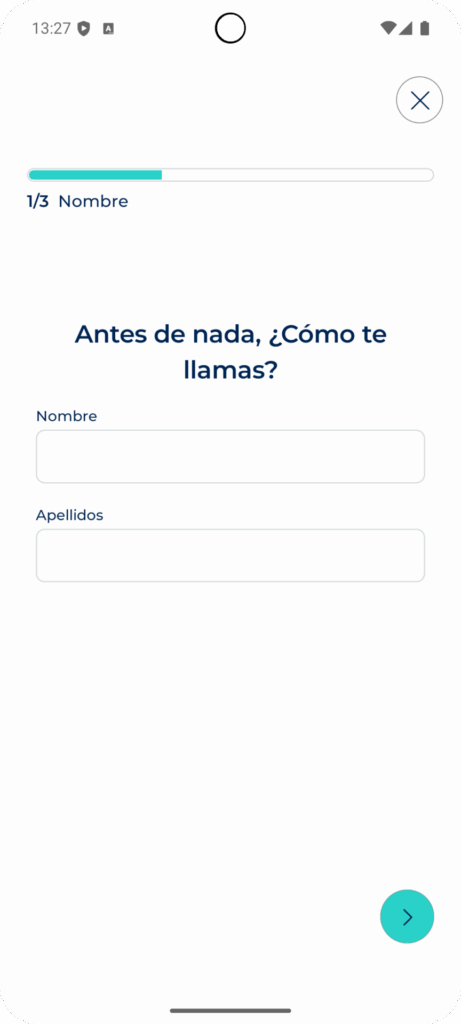
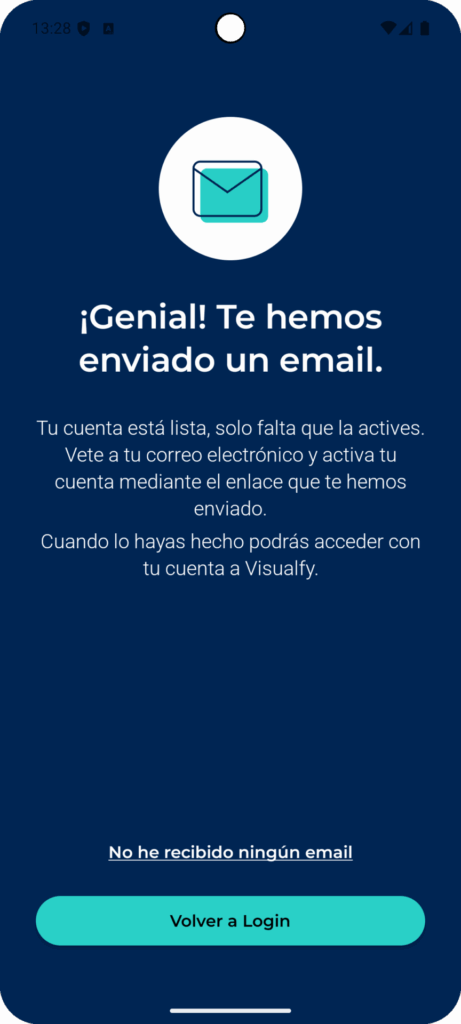
– Type your first and last name and tap “Next”.
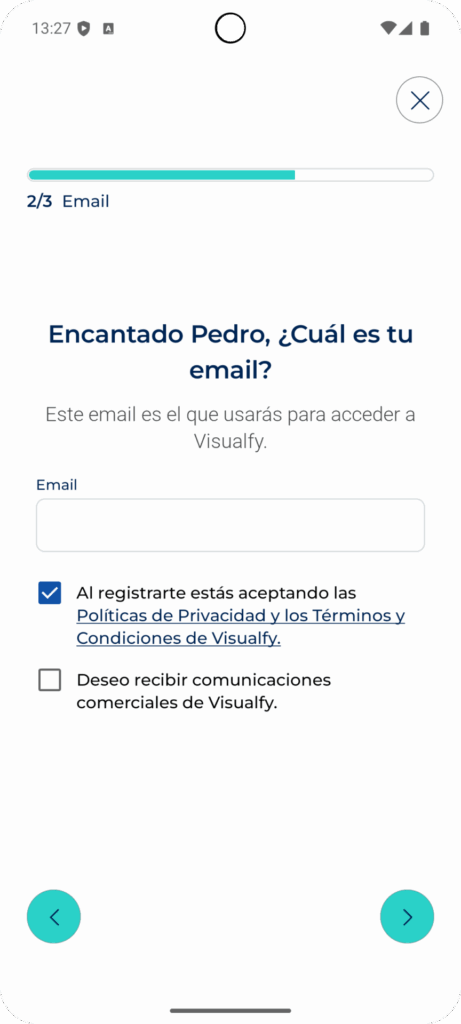
– Type your email and tap “Next”.
Important: to create your account you must accept the Visualfy privacy policy and terms and conditions.
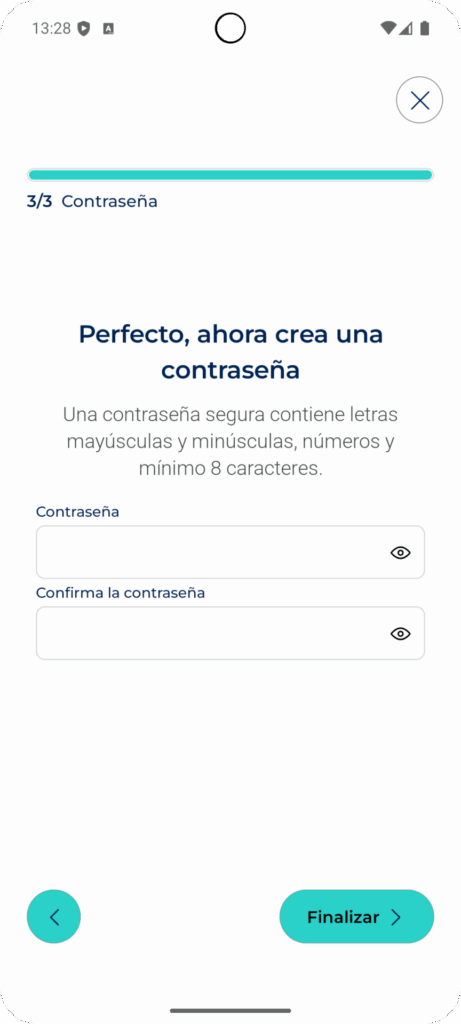
– Type the password you will use to access your account, confirm it and tap “Next”.
– An email is sent to the address you entered so you can activate your account. If you did not receive the email, tap “I didn’t receive any email”.
Note: check your inbox and your junk or “spam” folder.
Activate your account #
Go to your inbox and open the Visualfy account activation email.
Click “Activate your account” and a message confirming the account activation appears.

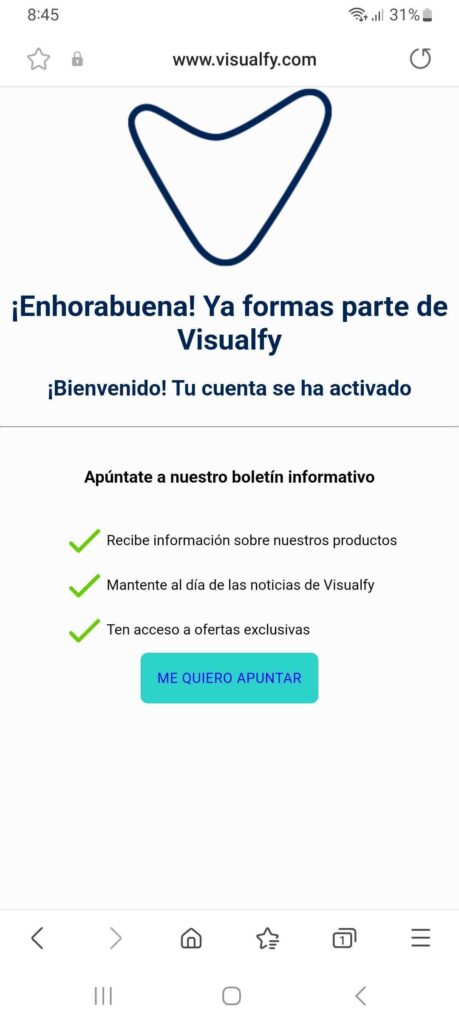
Once you have verified your account, you can open the app and complete your profile. You can add personal information such as your name, age and location, and set your notification and alert preferences.
All set! Now you can use the Visualfy app to receive visual alerts and vibrations when an alarm goes off, the phone rings or there is an important noise around you, and to communicate with other app users all over the world.
Frequently asked questions #
I changed my phone. Do I have to register again? #
No. Just download the app again and sign in with the same username and password. You don’t need to do any new training, just sign in.


