

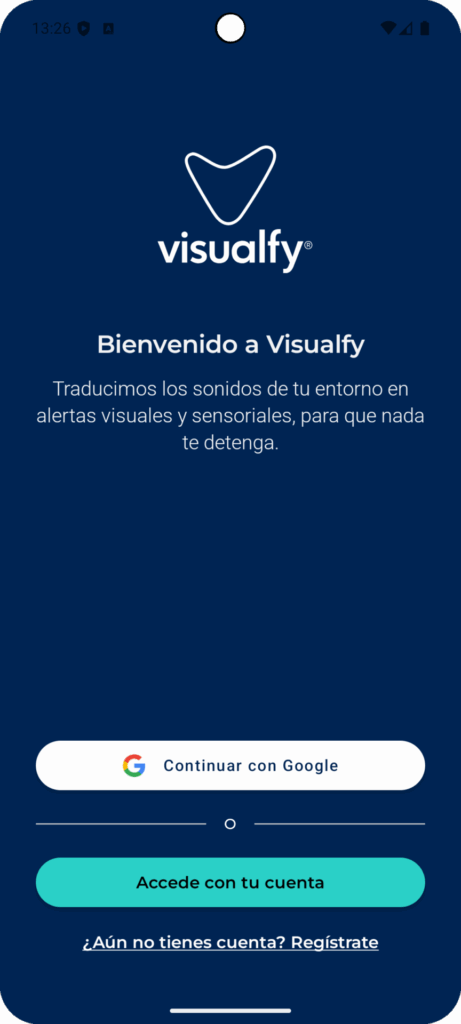
There are several ways to sign in: you can sign in with a social network or with your email address.
Note: if you haven’t opened the Visualfy app for more than 1 week, the app will ask you to sign in again with an email and password.
Sign in with Google #
To sign in with your Gmail account, just tap the “Continue with Google” button on the login screen.

Select the Gmail account set up on your phone that you want to use and tap continue.
All set! You are now in the app.
Sign in with Apple #
This option is only available on Apple devices.
To sign in with your Apple account, just tap the “Continue with Apple” button on the login screen.

Select the Apple account set up on your phone that you want to use and tap continue.
All set! You are now in the app.
From “Sign in with your account” #
To sign in with your email, just tap the “Sign in with your account” button.

On the next screen, enter the email and password you registered with.
If you don’t have an account yet, you can create one by tapping “Don’t have an account? Register”.

Enter your details and tap sign in with your account.
If you forgot your password, tap “Forgot your password?” to recover it.


