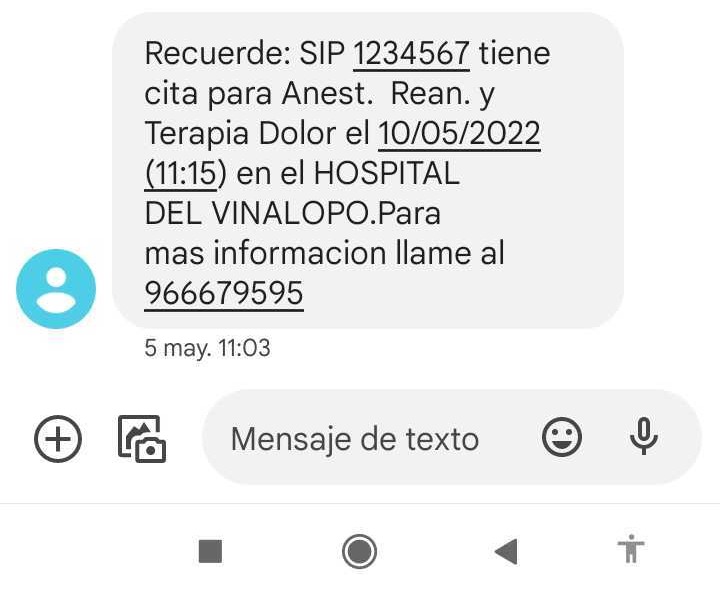
The accessible SMS alert is a service of the Visualfy Places app that helps deaf people and people with hearing loss receive alerts for the text messages (SMS) sent by the building they are subscribed to.
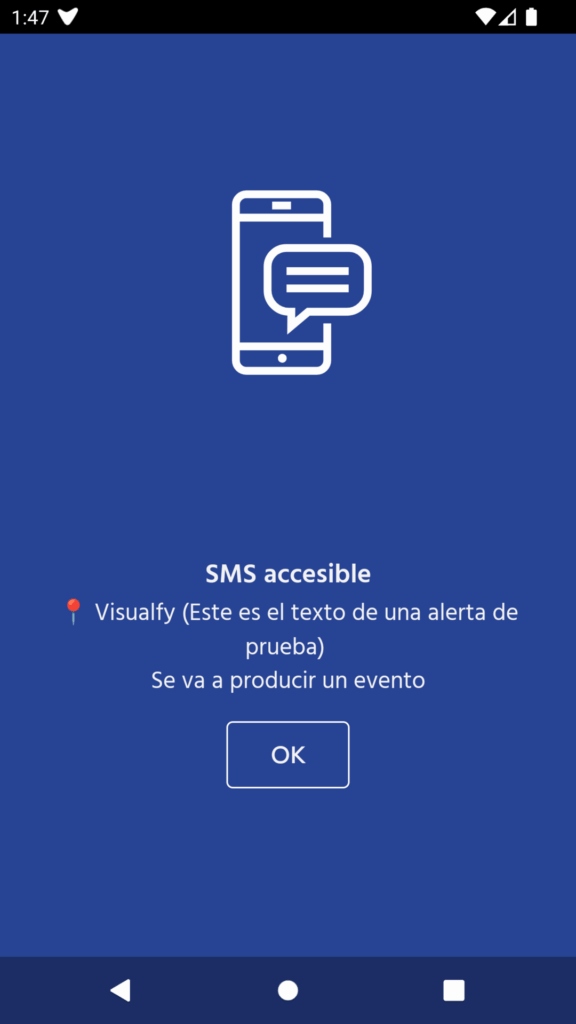
When the building sends a text message, the accessible SMS alert goes off and you receive a full-screen alert with the text of the SMS.
To use the accessible SMS alert, you need an active phone line and enough credit or balance to send and receive text messages.
NOTE: this alert is only available on Android devices, because Apple does not let us access information from other apps.
Required permissions #
To receive accessible SMS alerts, you must have these turned on:
- The notification access permission.
- The contacts permission (to receive SMS alerts).
When a building has this feature, an option to enable this permission appears in the building details.
Alert status #
- Alert not set up (gray)
- Alert set up (blue)
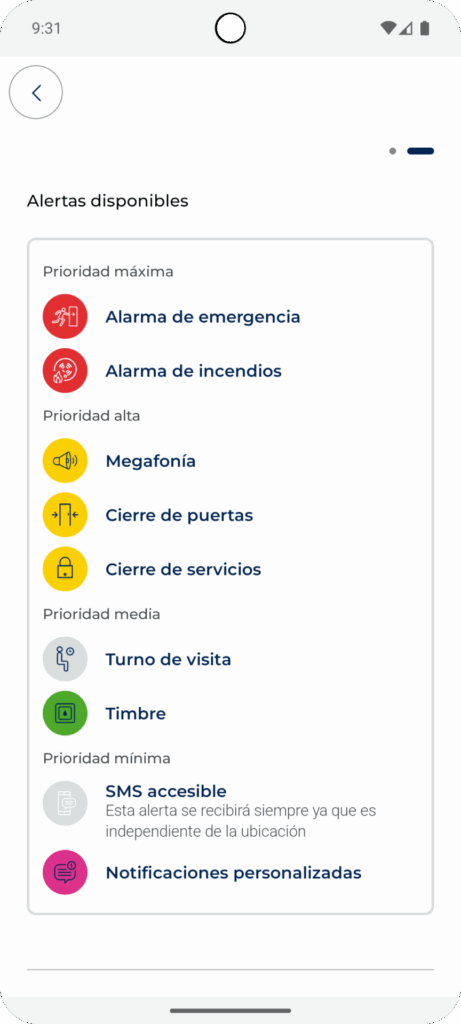
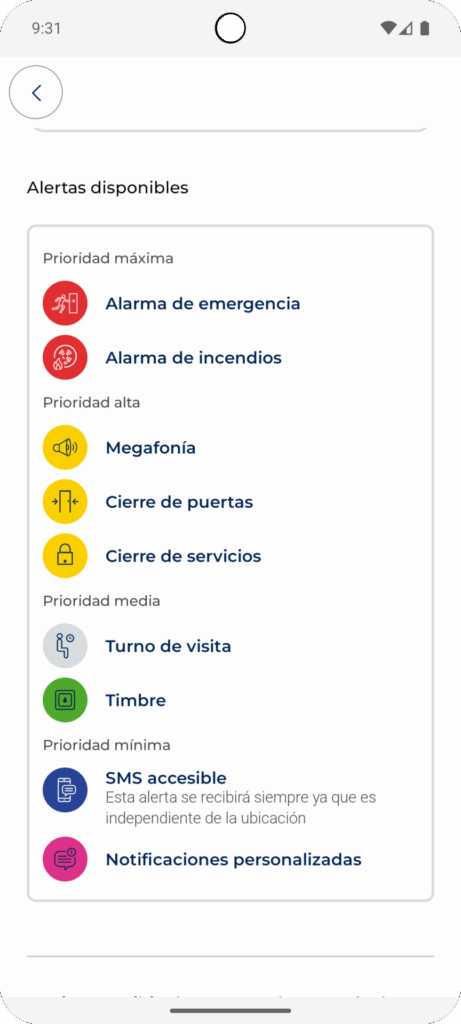
Turning on the alert #
In the building information you will see “Set up permissions for accessible SMS”. Tap the “Set up permissions” button to enable the required permissions.
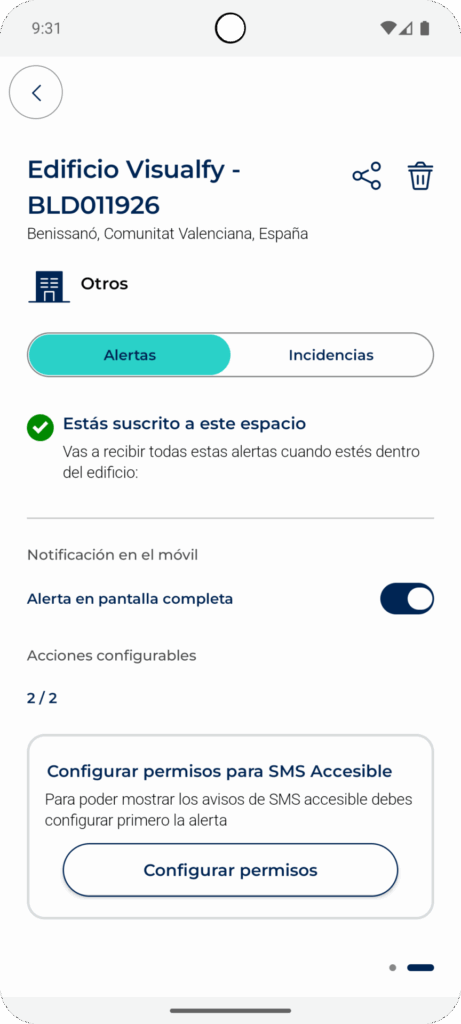
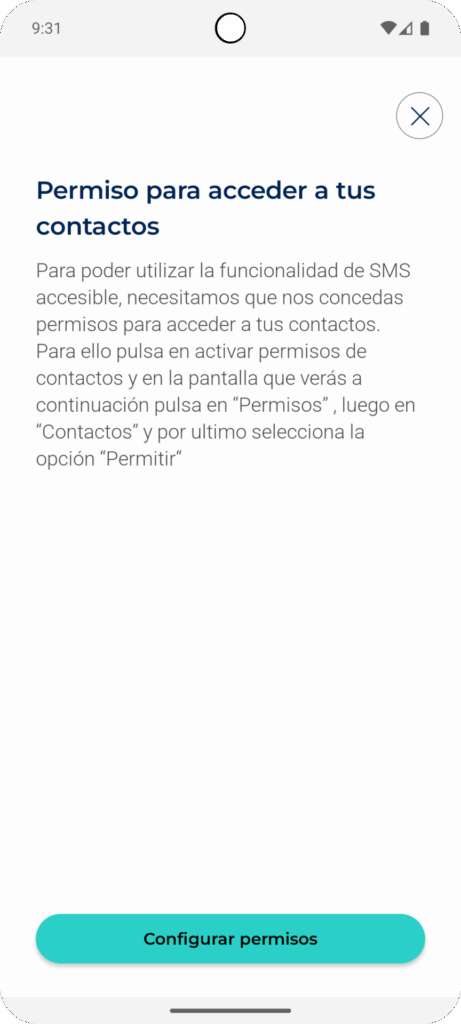
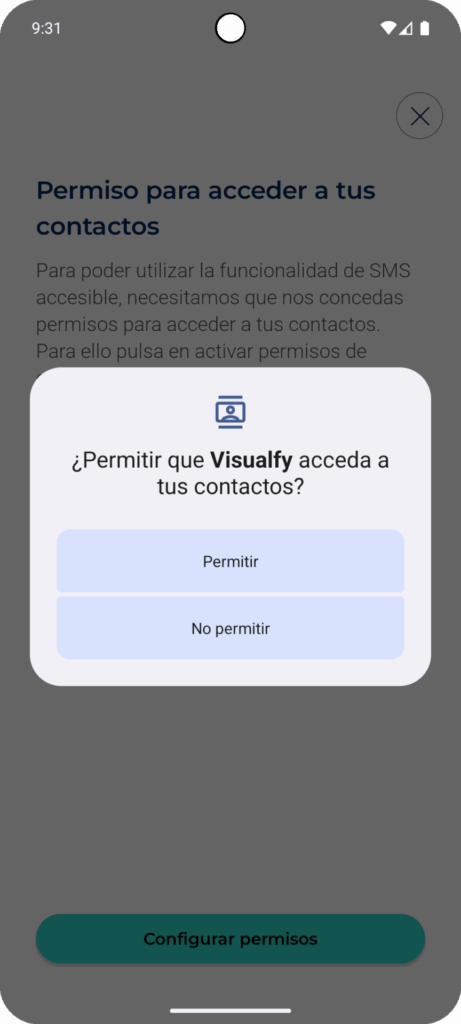
When the building sends you an SMS, you receive the message on your phone. You also receive the full-screen alert (as long as you granted the permission). The screen lights up in the color of the alert, with its icon and the text written in the SMS.