

If you forgot your Control Panel password, you can reset it in a few steps.
Resetting the password #
- Open the Control Panel.
- Tap “Forgot your password?”.
- In “User”, type your email and tap “Send recovery link”.
- Open the email we send you and follow the steps to create a new password.
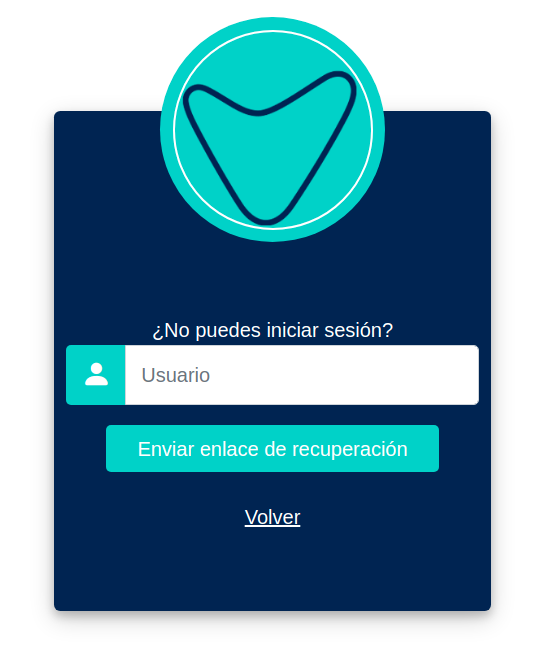
The screenshot shows the panel in Spanish.
If you already asked for a link and haven’t used it yet, “It looks like you already have a pending recovery link, check the email.” appears. Look for that email, also in your spam folder.
Changing the password #
If you know your password and want to change it, do it from your Profile.


