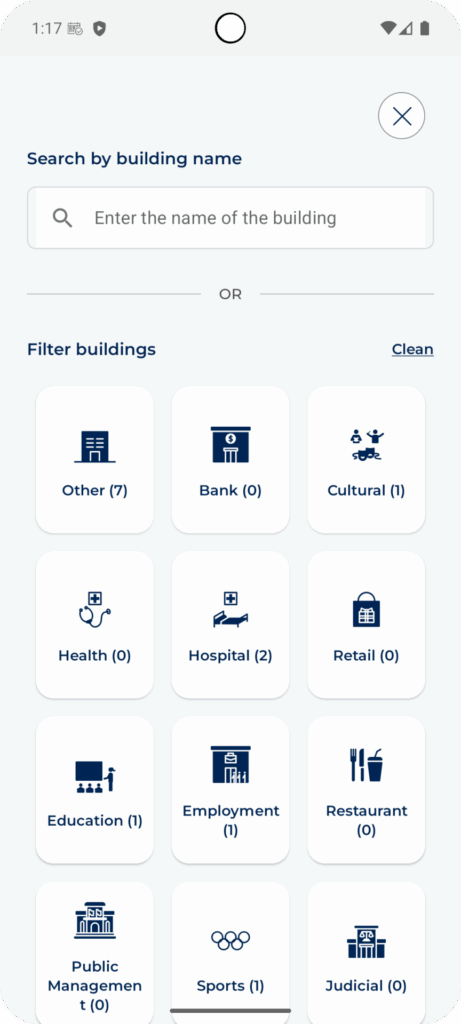
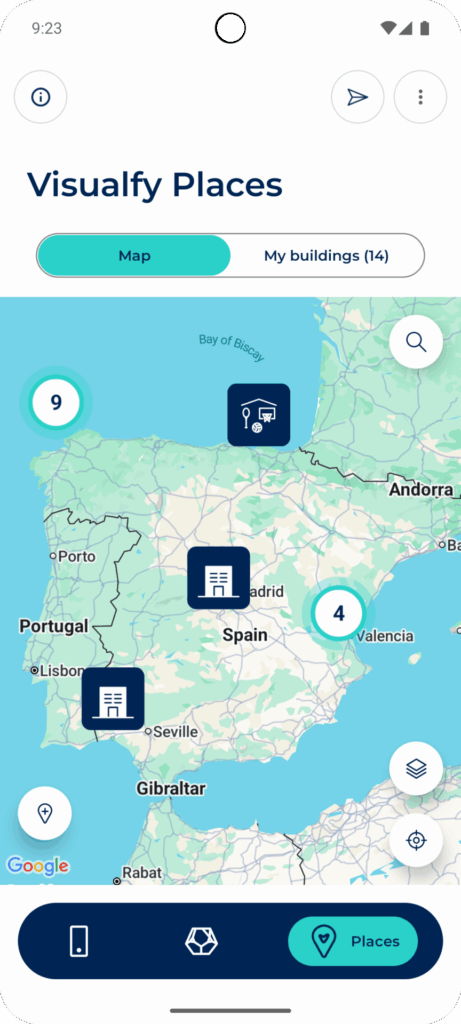
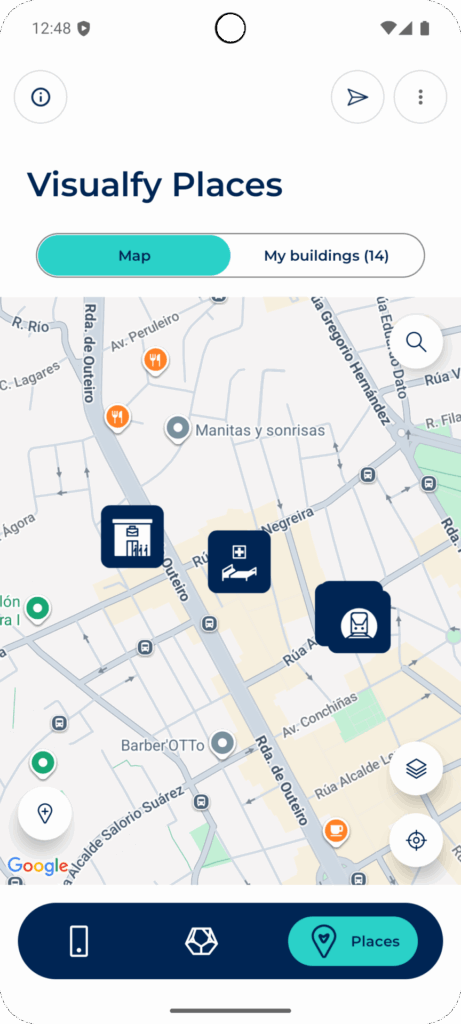
The buildings map shows you on a map all the buildings adapted by Visualfy.
Opening the map #
- In the bottom menu of the app, tap “Places”.
- Check that the “Map” tab is selected. You will see the map on this screen.

Moving around the map #
On the map you can move around and see all the buildings. Tap a building to see its information, or filter the buildings by type.
To see the buildings in an area, zoom in on the map with two fingers.
Seeing the information of a building #
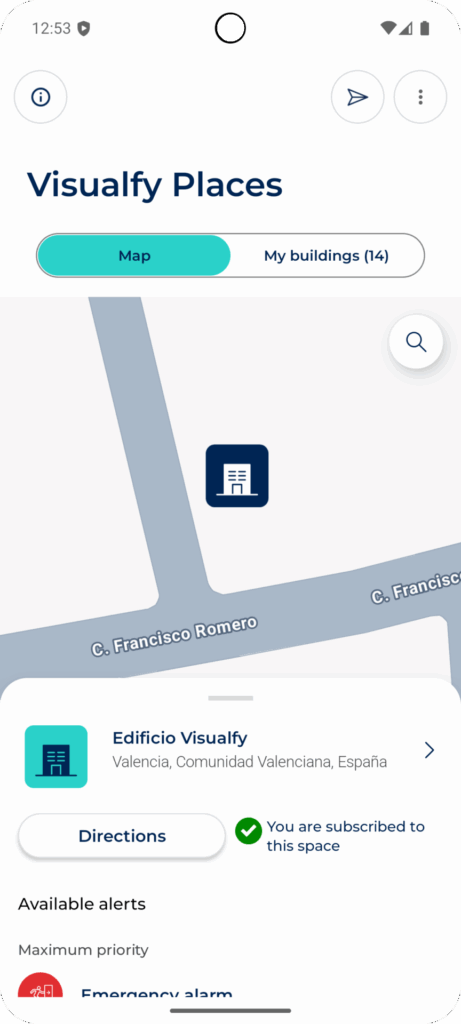
- Tap the icon of a building on the map. Its information appears.
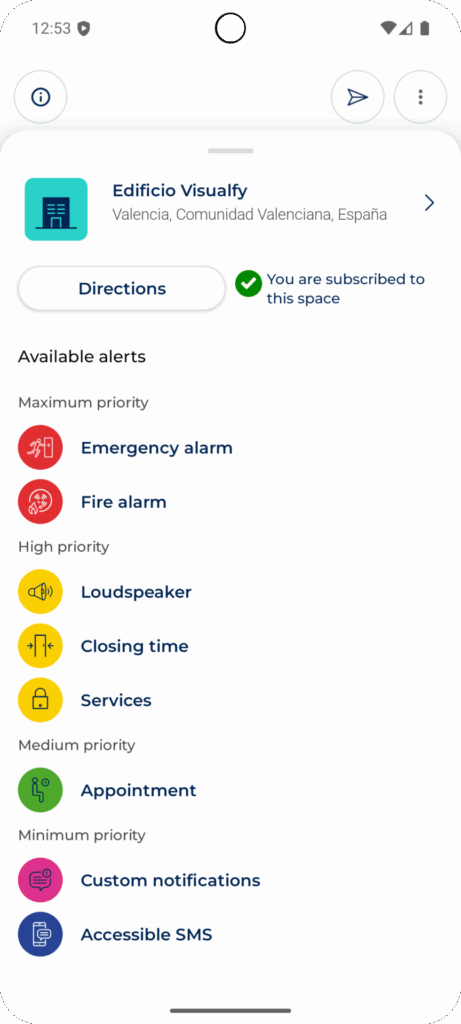
- Swipe that card up to see all the alerts of the building.
- Tap the building name to open its details. If you are subscribed, you set it up from there.
Filtering and searching for buildings #
To see only one or more types of building, tap the magnifying glass button.
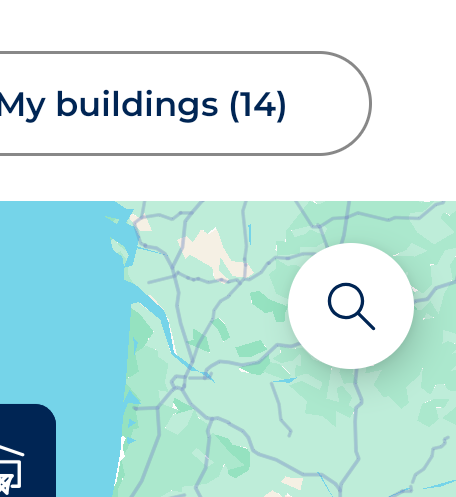
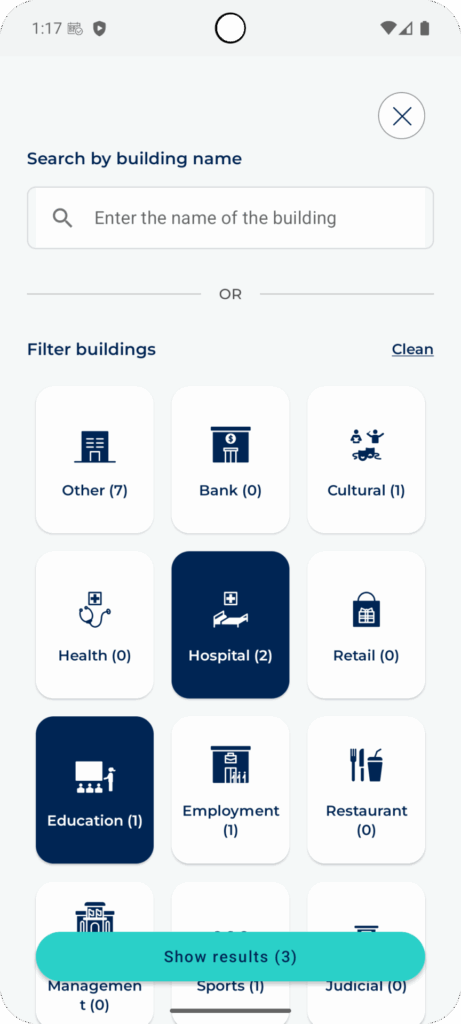
- Choose one or more types.
- Tap “Show results”. The map only shows those types of building.
- To see all the buildings again, tap “Clear”.
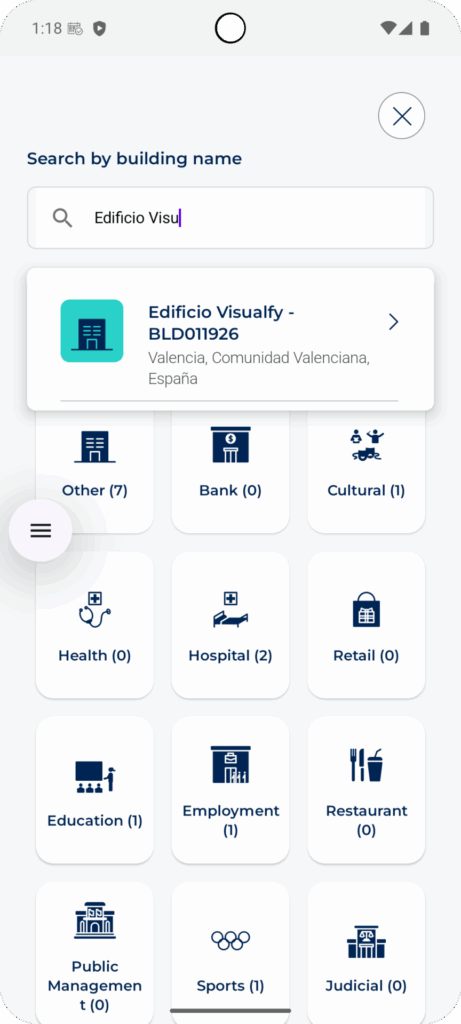
At the top you can also search for a building by its name.